> For the complete documentation index, see [llms.txt](https://docs.speedystaking.io/llms.txt). Markdown versions of documentation pages are available by appending `.md` to page URLs; this page is available as [Markdown](https://docs.speedystaking.io/nl/casper-netwerk/casper-wallet/casper-wallet-ontvang-usdcspr.md).
# Casper Wallet - Ontvang $CSPR
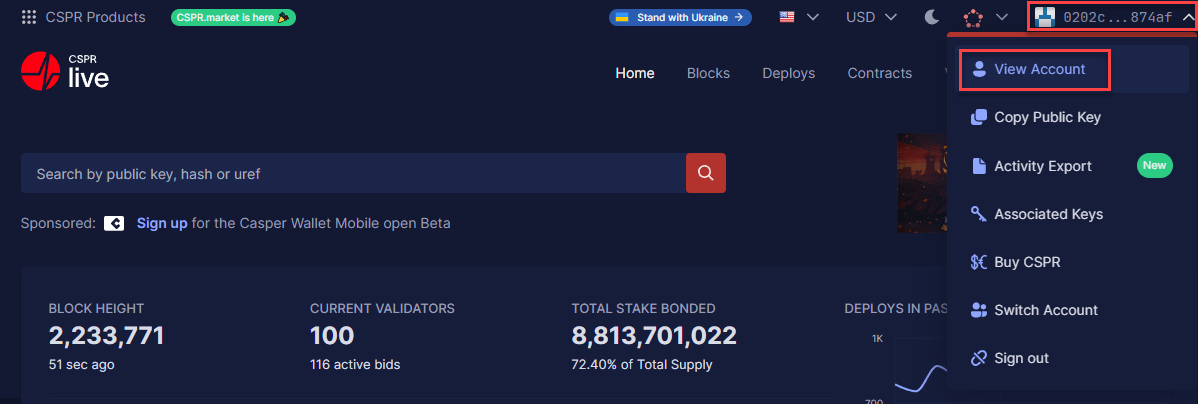
**Stap 1:** Beweeg je muis over je public key aan de rechterbovenkant van je scherm en selecteer '**View Account**'.
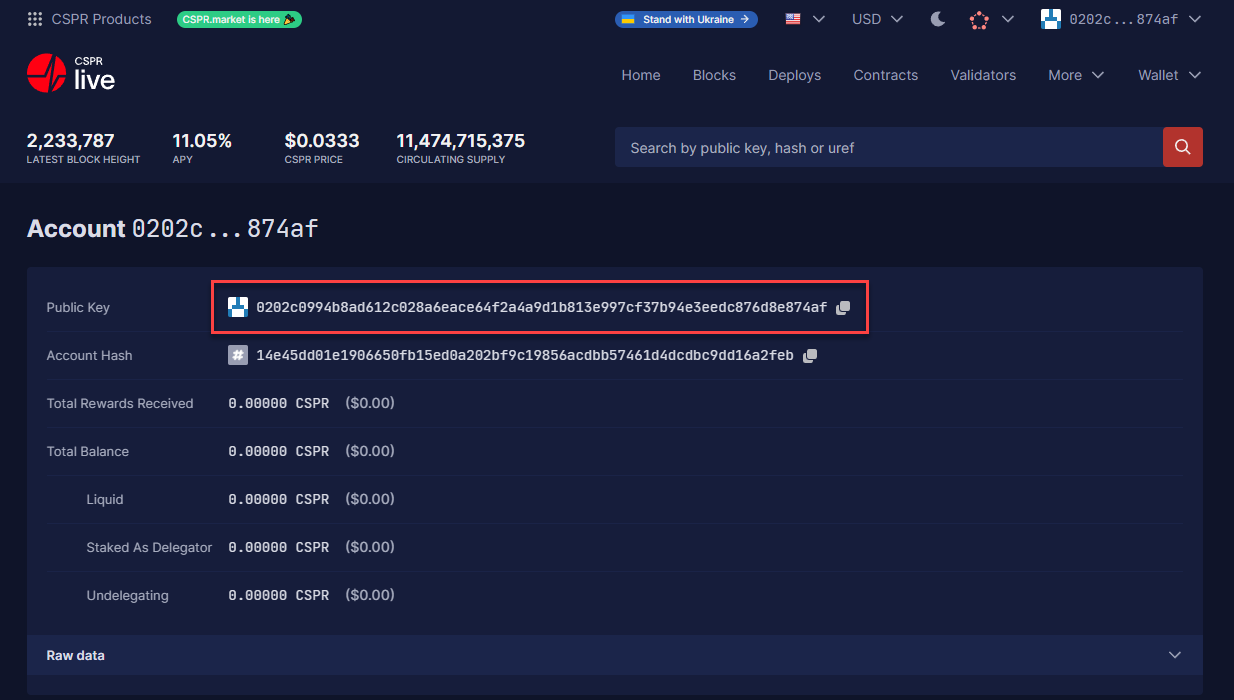
**Stap 2:** Je Public Key (wallet address) staat bovenaan. Dit is het adres waar je je $CSPR naar toe stuurt.