> For the complete documentation index, see [llms.txt](https://docs.speedystaking.io/llms.txt). Markdown versions of documentation pages are available by appending `.md` to page URLs; this page is available as [Markdown](https://docs.speedystaking.io/casper-network/casper-wallet/casper-wallet-receive-usdcspr.md).
# Casper Wallet - Receive $CSPR
**Step 1:** Hover over your public key in the top right corner and select '**View Account**'.
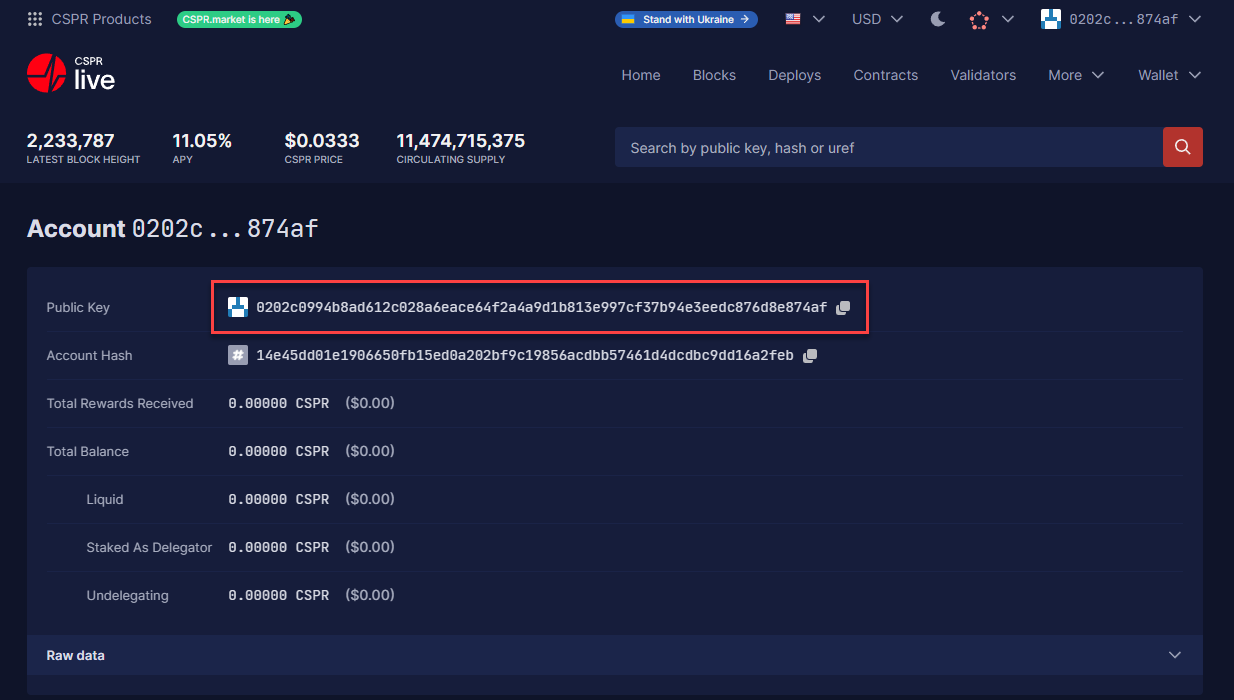
**Step 2:** Your Public Key (wallet address) is on the top. This is the address you use to send $CSPR to.